
Event software
Put the right event-day link in the right hands.
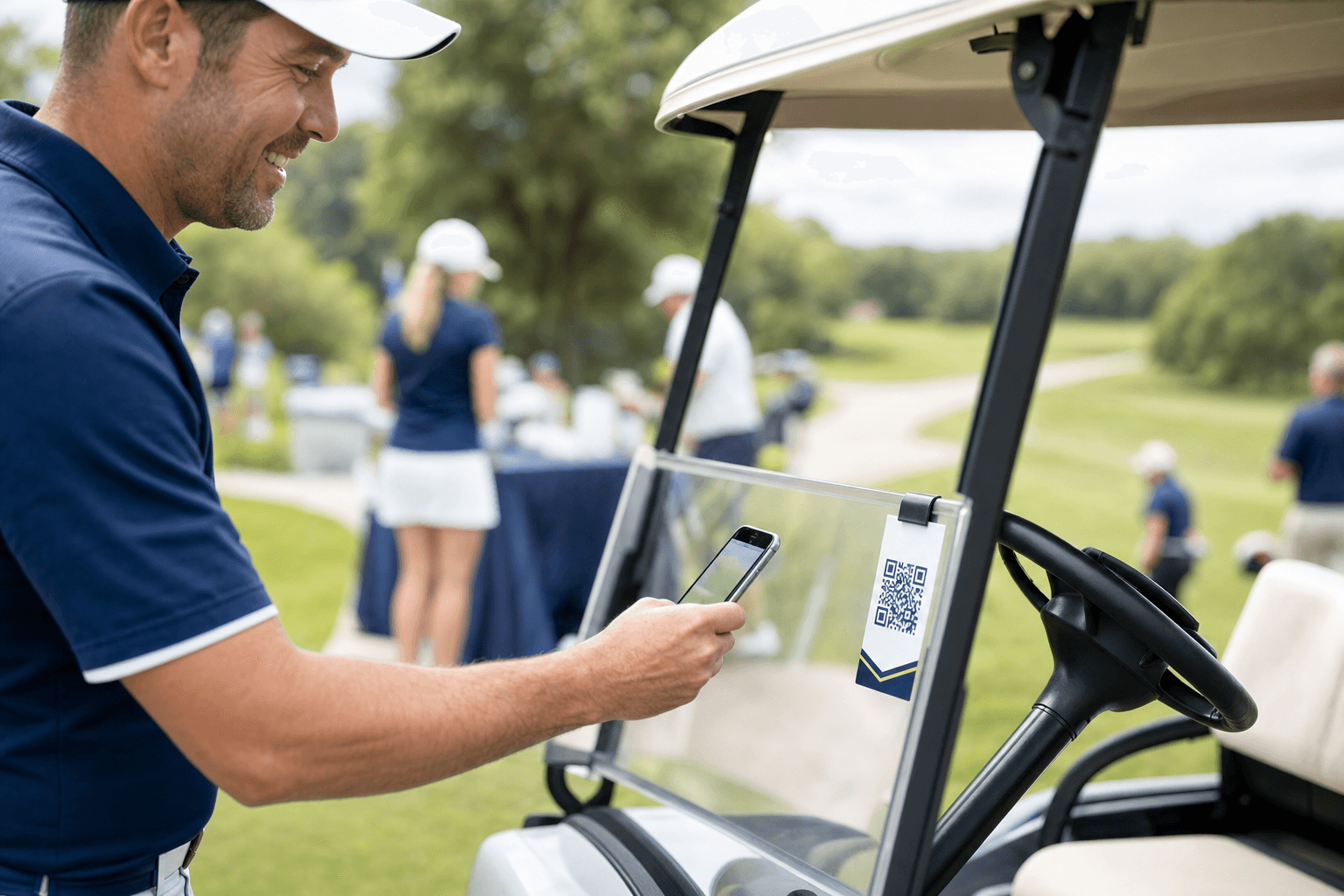
Print event QR kits, cart labels, check-in links, score links, and leaderboard access.
What usually goes wrong
The best event-day technology feels almost invisible: scan here, check in here, score here, view the leaderboard here.
The thing nobody wants to admit
QR tools should reduce questions, not make the day feel technical.
Some organizers worry QR tools feel too technical for a charity outing. In practice, they make the day feel more human because staff stop repeating instructions.
The QR shift
Before
Staff repeat links and instructions
After
Players scan into the right flow
Before
Printed materials go stale
After
QR destinations stay tied to the event record
Before
Scoring starts with confusion
After
Scoring starts from the cart
Before everyone starts asking
Stay ahead of the details before they become everyone else's questions.
Print the QR kit before players arrive. Put the right link on the right cart, sign, or volunteer sheet, and let the event record do the routing.
- 1Generate the QR kit
- 2Print cart labels
- 3Brief volunteers
- 4Scan into scoring or leaderboard
- 5Use one event record
Keep the latest answer in one place
Keep the details clear enough that people stop asking for the latest version.
QR materials that match the workflow
Prepare event, cart, scoring, and leaderboard links before players arrive so staff are not improvising at registration.
- Printable QR kit
- Cart labels
- Check-in dashboard
- Leaderboard links
Fewer day-of questions
Players and volunteers can scan into the right flow instead of asking which link, sheet, or message is current.
- Staff access
- Player flows
- Team pages
- Mobile scoring
Keep moving
Start where the event already feels messy.
The best event software does not ask organizers to become software people. It removes the next source of confusion before players, sponsors, or volunteers feel it.